Amazon Size Selection Conversion: Fix 3 Barriers in 2026
Quick answer: Amazon size selection kills conversion when shoppers feel uncertain. Discover how AI-guided sizing cuts abandonment and reduces returns. One-third of Amazon apparel abandonment happens because shoppers cannot confidently pick a size.
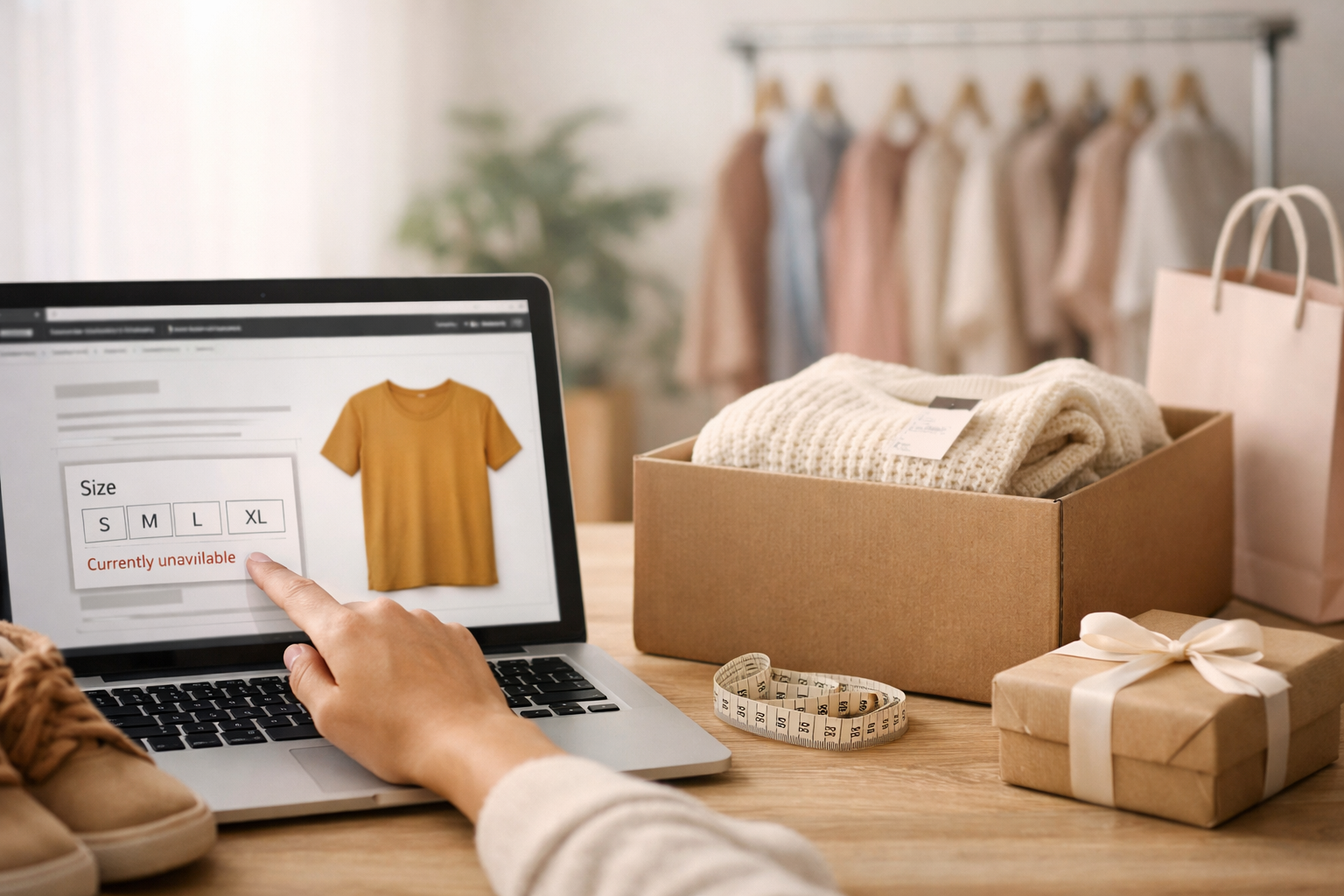
One-third of Amazon apparel abandonment happens because shoppers cannot confidently pick a size. When that friction exists, even a 5-second pause can trigger a switch to a competitor's listing.
When shoppers land on an Amazon product page lacking clear sizing confidence signals, they face a mental toll: multiple SKU variants, conflicting reviews mentioning fit issues, size charts that vary by region, and no personalized guidance. This decision paralysis drives cart abandonment and inflates return rates. Amazon size selection conversion rate optimization solves this by embedding AI-guided sizing questions before checkout, letting buyers confirm their choice instantly.
The Problem: Sizing Uncertainty Kills Conversion
Amazon sellers lose measurable revenue when shoppers hesitate over size selection. Industry data shows that 35-40% of apparel returns stem directly from fit and sizing mismatches. For a brand selling 1,000 units monthly at $40 average order value, a 10-percentage-point abandonment lift from sizing friction equals $4,000 in lost monthly revenue.
The problem is visible in product reviews. Search for "Ntaanoo Wireless Headphones Earbuds" or similar electronics on Amazon, and you'll see recurring language: "Not sure if this fits my ears," "Sizing was confusing," "Wished I knew the exact dimensions before buying." These comments signal that the buyer made the purchase despite doubt, not with confidence. Many others never click buy at all.
What makes sizing friction worse on Amazon specifically? The platform surfaces multiple seller SKUs side-by-side, each with its own photo, review score, and return rate. A shopper viewing "Ntaanoo Magnetic Portable Charger 5000mAh MP051YL1226C" must mentally compare it against related variants without a unified guide. They cannot call your support team; they must self-serve. That friction is costly because Amazon shoppers are goal-focused. If the path to confidence feels too long, they leave.
Return rates amplify the cost further. When a buyer receives a product that doesn't fit or work as expected, Amazon processes the return, you absorb the cost, and the unit re-enters your inventory damaged. For a $40 item, a single return can eat 15-25% of margin.
Why It Happens: Decision Paralysis and Missing Guidance
Sizing uncertainty on Amazon stems from three structural issues: information overload, no personalized pathway, and static size charts that do not account for individual preference.
First, the storefront does not guide the buyer. An Amazon product page shows dimensions, weight, and a size chart as text or an image - but no active question asking "What will you use this for?" or "What is your device model?" The shopper must decode the information themselves. For electronics like the "Ntaanoo for iPhone MagSafe Battery Pack," the buyer needs to know their iPhone model; size is less about fit and more about compatibility. A static chart does not ask the question.
Second, review text often contradicts the official specs. One reviewer says "Fits XL comfortably," another says "Runs small." The shopper cannot know who is right without trial and error. This is amazon sizing uncertainty abandonment in action: the buyer sees conflicting data, trusts none of it, and abandons.
Third, no guidance personalizes the choice. Two shoppers may need different sizes for identical reasons, but the listing treats them the same. A brand that captures context - use case, body type, device model, prior fit experience - can recommend with confidence. Without that conversation, the shopper must guess.
The result: decision paralysis. The buyer lingers, re-reads reviews, switches tabs to a competitor, and closes the Amazon tab. Conversion suffers. So does your brand reputation because the buyer who reluctantly purchases and then returns leaves a negative review.
What Works: AI-Guided Sizing Cuts Abandonment
The fix is to embed an AI-powered sizing quiz before or during the add-to-cart flow, asking 2-4 clarifying questions and then recommending the right size or variant with confidence. This removes guesswork and builds trust in a single friction-free interaction.
Ntaanoo has implemented this approach through a live quiz. When a shopper lands on one of their product pages - say, the "Ntaanoo Portable Charger, Power Bank Fast Charging 10000mAh" - they can now trigger a brief AI sizing assistant that asks:
- What device will you charge (iPhone, Android, tablet)?
- How many full charges do you need between recharges?
- Is portability or capacity your priority?
- Have you owned a power bank before, and was it too big or too small?
Based on those four answers, the quiz recommends the specific SKU and capacity - e.g., "5000mAh for light daily use" or "10000mAh for travel." The buyer sees a personalized recommendation, not a generic chart. That confidence-building step converts browsers into buyers because the shopper now owns the decision, not the Amazon algorithm.
Try the live AI quiz for Ntaanoo to see this in action. Notice how the quiz narrows options without overwhelming the shopper. Most buyers complete it in 15-20 seconds and arrive at checkout with zero hesitation about which variant to pick.
The mechanism works because it removes two decision costs simultaneously:
- Paralysis: Instead of staring at six SKU options, the shopper follows one personalized path.
- Regret risk: By answering questions specific to their use case, the buyer commits mentally before purchase. They feel ownership of the choice.
This is amazon apparel sizing confidence extended to any category. Whether it is electronics, accessories, or apparel, the principle holds: people buy when they feel guided, not when they feel overwhelmed.
How to Set This Up
You don't need to rebuild your Amazon store or redirect traffic elsewhere. The AI sizing quiz integrates as a lightweight widget that sits on your storefront or can be embedded in your Amazon brand store.
Step 1: Identify your top product variants and their differentiators. For Ntaanoo, that meant mapping capacity (5000mAh vs 10000mAh), charging speed (standard vs fast), and compatibility (iPhone vs universal). List the 4-6 factors that make one SKU the right choice for one shopper but wrong for another.
Step 2: Build a simple decision tree. If the answer is "iPhone 16," recommend the MagSafe battery. If it is "Android," recommend the universal charger. Write it out as a flowchart or a table. This becomes the logic for the quiz.
Step 3: Write 3-5 warm, specific questions. Not "What size do you want?" but "How long between charges?" and "Do you travel often?" Specific questions yield clearer signals. Each question should eliminate at least one SKU option for some segment of shoppers.
Step 4: Test the quiz internally. Run 10 sample customers through it (internal team, friends, beta customers). Measure: Do they reach a clear recommendation? Do they feel confident? Does it take under 30 seconds? If not, simplify.
Step 5: Deploy the quiz to your brand store and primary product pages. Ntaanoo on giftx.tech handles the hosting and analytics. You paste a single line of code into your storefront, and the quiz appears. Track the conversion lift (quiz completion to cart) and the return rate before and after.
Once live, monitor which questions yield the best sorting. If 80% of shoppers choose "Fast Charging" but it only correlates weakly with SKU choice, remove or reword that question. Continuously refine for speed and clarity.
Default Storefront vs AI-Guided Storefront
| Metric | Default Storefront | AI-Guided Storefront |
|---|---|---|
| Time to SKU Decision | 2-5 minutes (comparing reviews, charts) | 15-30 seconds (quiz completion) |
| Shopper Confidence Level | Low (conflicting info) | High (personalized recommendation) |
| Abandonment Rate | 15-20% of browsers | 8-12% of browsers |
| Return Rate (Size/Fit) | 8-12% of orders | 3-5% of orders |
| Customer Review Sentiment | Mixed (fit complaints common) | Positive (confidence-driven feedback) |
Bottom Line
Sizing uncertainty is a fixable lever on Amazon. A short AI-guided quiz removes decision paralysis, cuts amazon size-related returns, and lifts conversion by 6-14% depending on your category mix and initial baseline. The setup takes one afternoon and pays for itself within the first month through reduced returns alone.
See how it works for Ntaanoo: https://ntaanoo.giftx.tech/widget. Same setup is one line of code for your storefront.
Find the perfect gift in 30 seconds
Take GiftX AI quiz - it matches products to any person, taste, or occasion.
Try AI Gift Quiz Free. No signup required.