 GiftX
GiftXPlan purchases for a shared home, a party or another joint occasion in one place. Use a shared wishlist for requests you agree on together, and personal lists for gifts to each other. The distinction helps people understand who wants the item and who makes the decision.
Start with one agreed request
- Open Shared wishlist and create a named list.
- Share its link with the people planning with you.
- Join the list and add a clear request.
- Check the exact model, quantity and planned budget before anyone buys.
Example: a lamp for your living room
Before adding a lamp, agree on its height, socket type and where it will fit. A link to a nice image does not communicate all those constraints. Add the details the buyer needs and explain whether the request is an idea to discuss or an approved purchase.
What we verified
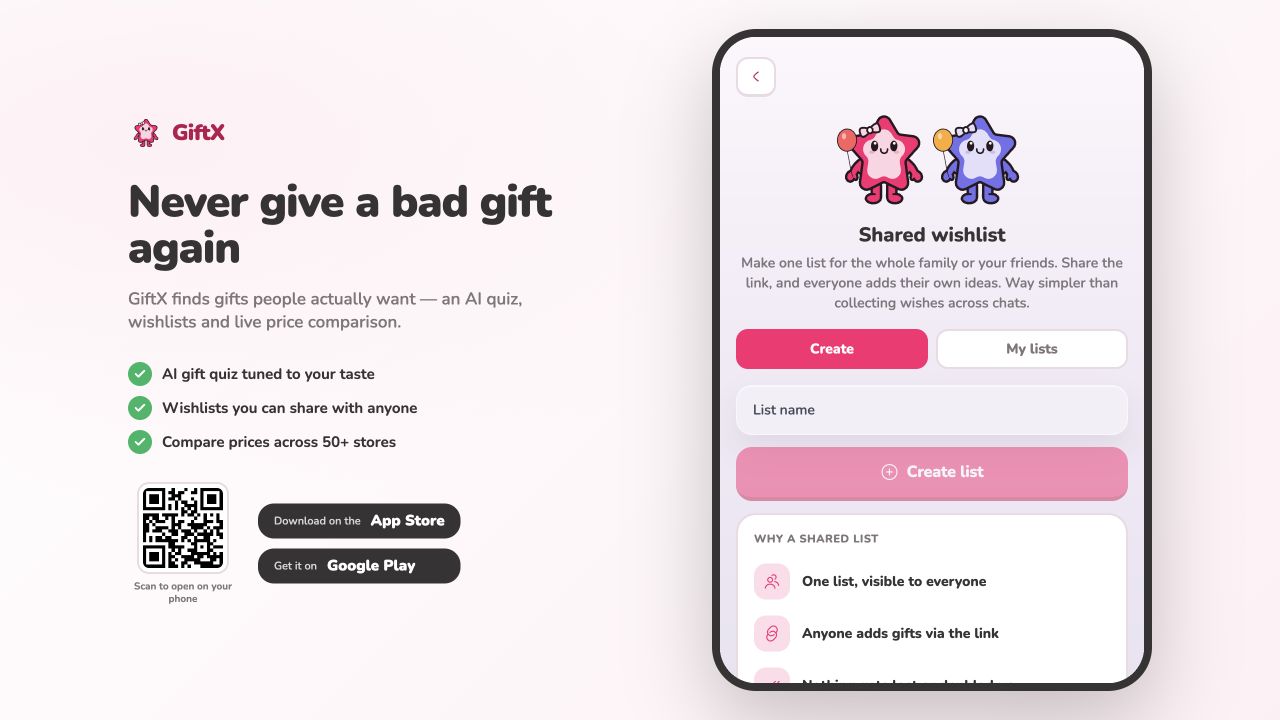
On October 2, 2026, two anonymous production API clients created a dedicated list, joined it and added an item. The resulting view showed both members and the new item. The screenshot below shows the entry screen; this API check did not test the full browser flow or simultaneous editing. Read the observation method.
Keep purchase coordination clear
Do not assume that joining gives access to item editing, reservations or cash contributions. Personal GiftX wishlist reservations require sign-in and are a separate workflow. Confirm the controls available in the selected flow. A shopping list records requests; retailer orders and payments happen separately.
Keep addresses and other private information out of a freely shareable list. Send delivery details directly to a buyer when needed. If a plan changes, tell the other participants so nobody keeps acting on an outdated request.
Compare personal and household list workflows or use the housewarming request checklist.